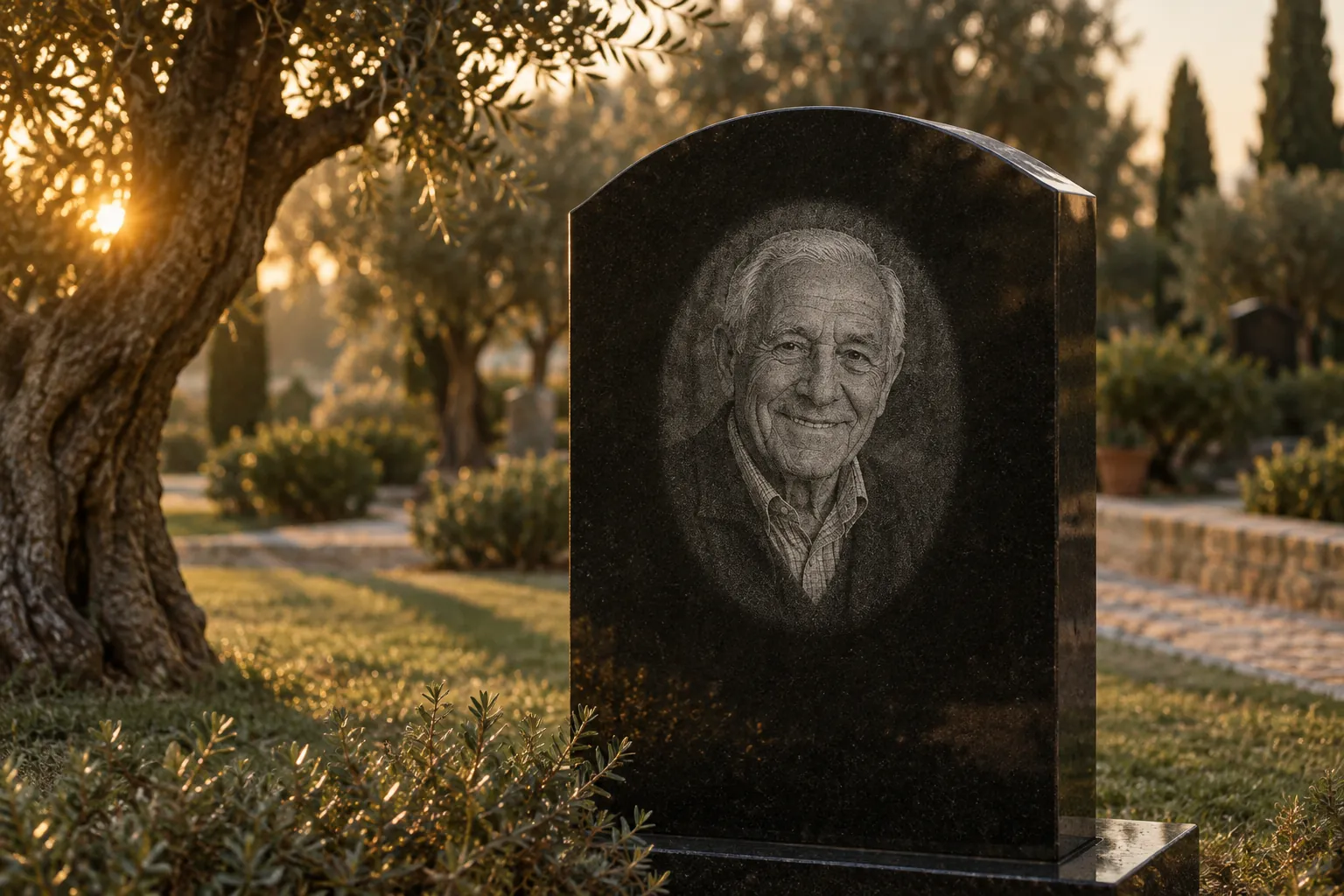
Etch-ready portraits in minutes
Turn a family’s photo into a clean portrait for a granite memorial. Repair it, make the edits they ask for, preview it on stone, and send them a proof to approve.
For monument dealers and etchers
Families bring a faded print, a phone photo, or two people in separate pictures. Retouching it by hand takes an artist an hour, or a service two days. Stone Portrait does it while they wait.
- Turnaround
- Minutesnot 48 hours
- Cost per portrait
- $19not $200 an hour
- Works with
- Your laserLightBurn, PhotoGrav, Epilog
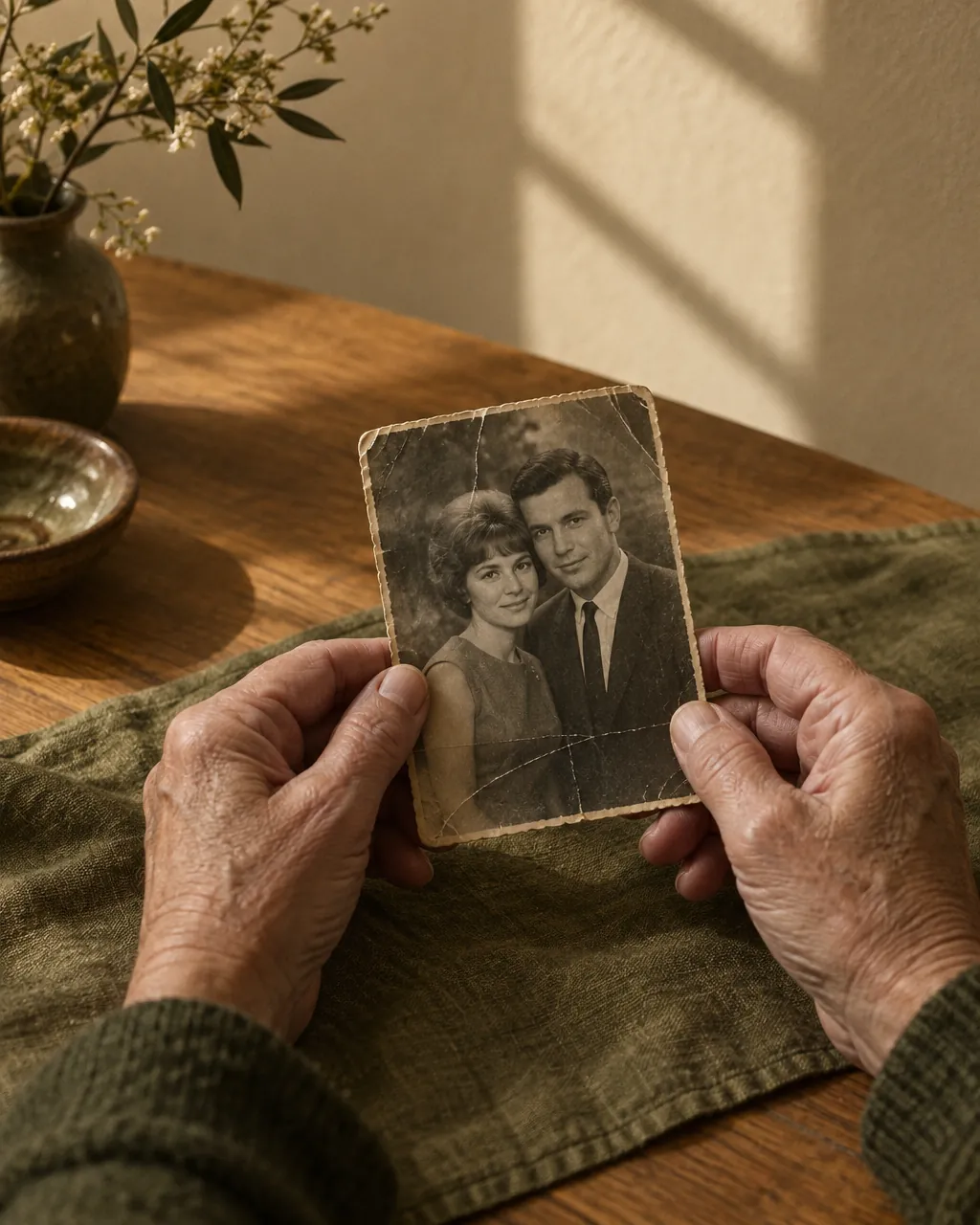
From a faded print to a stone-ready file
- 01
Upload the family’s photo
A faded print, a phone photo, or two spouses in separate pictures. Scans and screenshots are fine.
- 02
Make the edits they ask for
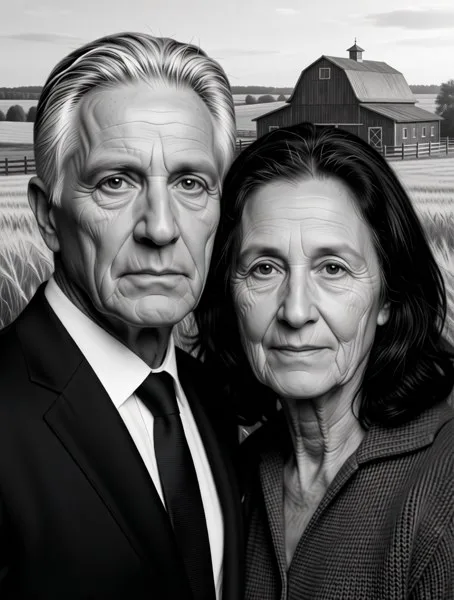
Repair scratches, remove glasses or an oxygen tube, add a suit, put two people together, add a farm or lake. One instruction at a time, so faces stay faithful.
- 03
Prepare it for your laser
Pick your laser and stone, size and shape. See exactly how the dots will sit on black granite before anything is fired.
- 04
Send the family a proof
They open a link, compare the original with the edit and the stone preview, and approve with their name. Then download the laser file.
Real edits, one step at a time
Drag across each portrait. These are unretouched studio outputs, made from test photos rather than real families. Every edit runs as its own step so the model keeps the person recognisable.
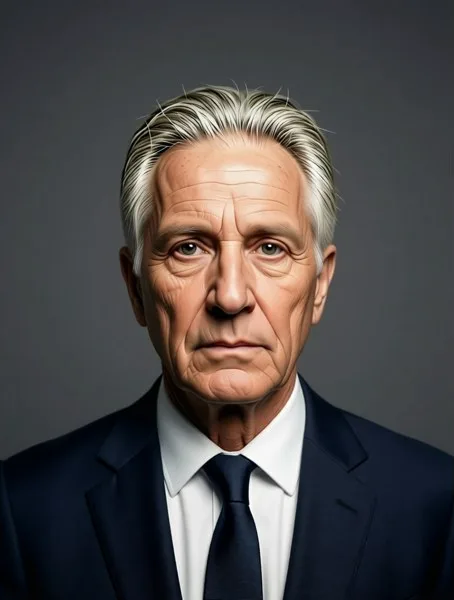
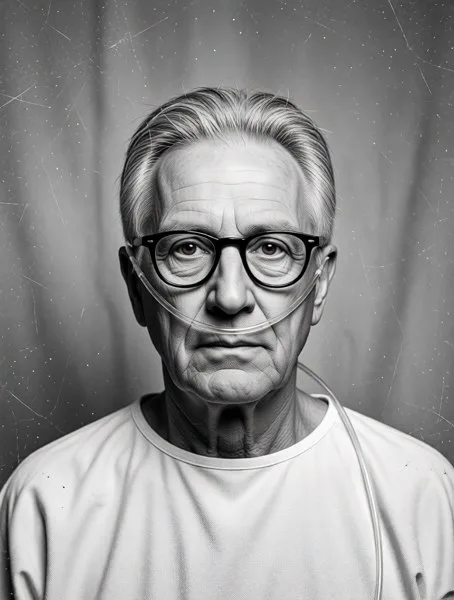 SuppliedEdited
 Second photoCouple
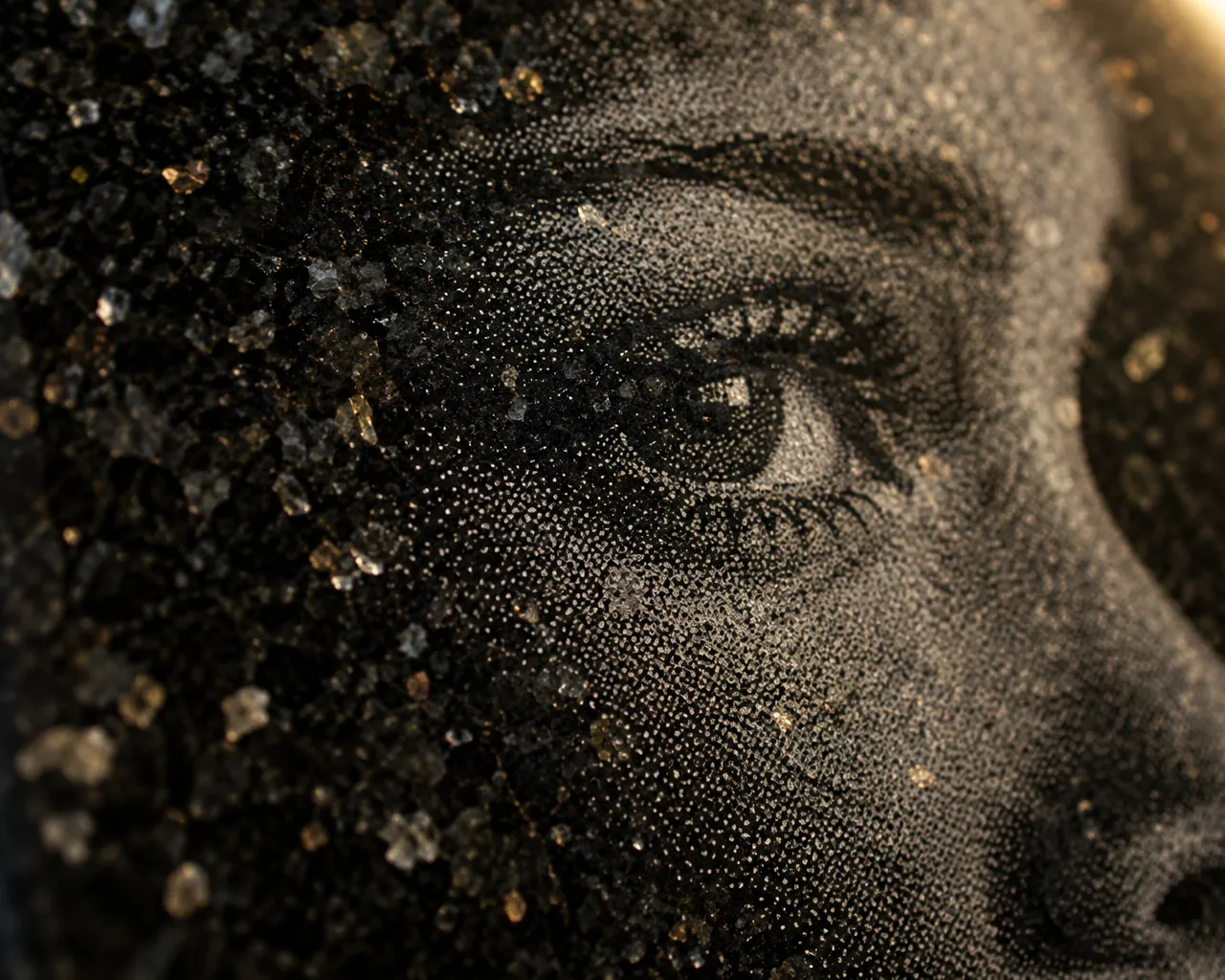
Every dot planned for the stone it lands on.
What you download
See the stone before a single dot is fired
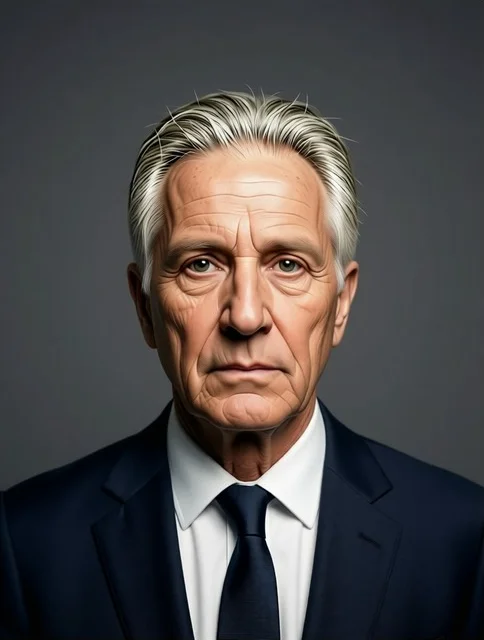
Edited photo
The version the family approved.
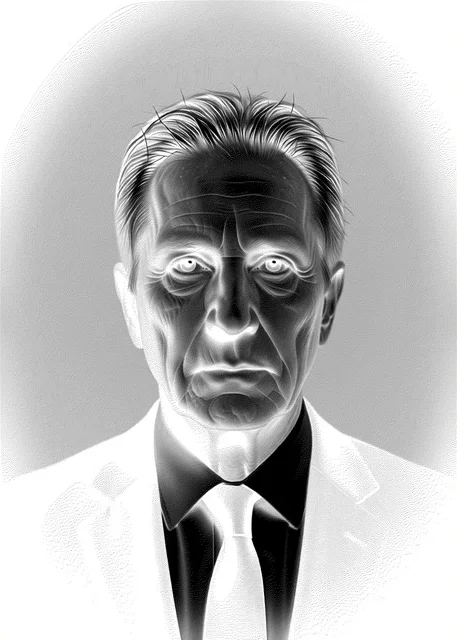
Laser file
Grayscale, final size, DPI inside. Your software dithers and inverts it.
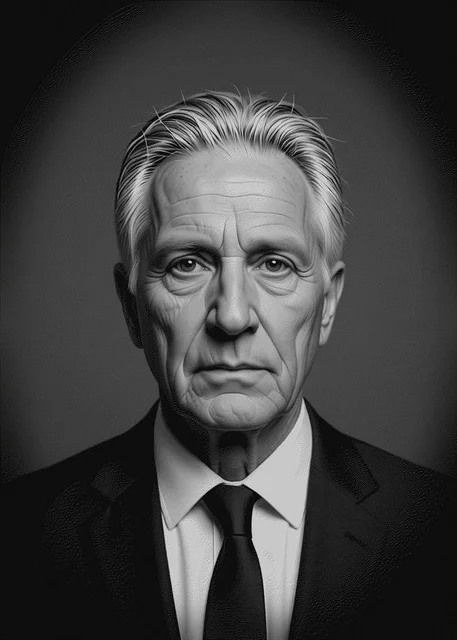
On black granite
A simulation including how dots spread on polished stone.
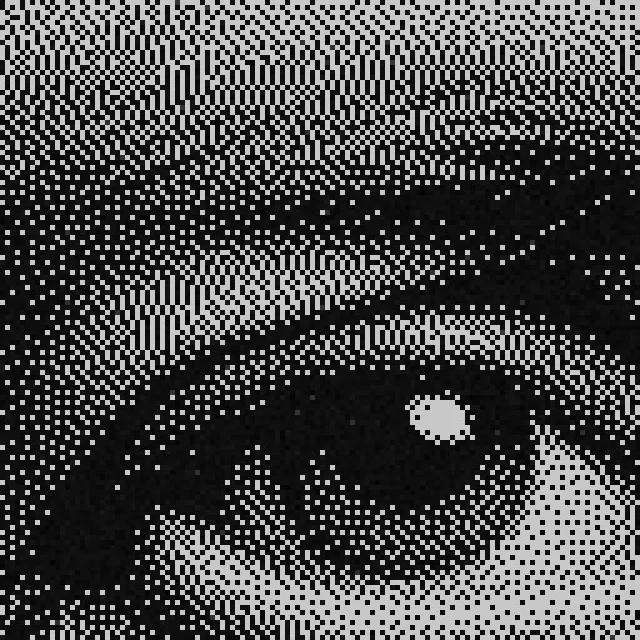
The dots up close
Each square is one laser dot, about 0.08 mm.
Built the way the trade already works
No new software to learn on the shop floor. You get the files your laser already expects, at the sizes you already sell, with a test strip for the stone you already stock.
Presets by laser
CO2 at 200 DPI, MOPA fiber at 500, diode at 250, grainy stone at 125. Starting points from vendors and the LightBurn forum.
Trade sizes
5×7, 8×10, 11×14 and 16×20 in, or any custom size. Oval, arch top, rectangle or the full photo with a soft edge.
Tones that hold on stone
Shadow lift and darkest/lightest tone keep the portrait away from pure black and white, where detail disappears.
A file your software expects
A normal grayscale PNG at final size with the DPI stored inside. LightBurn, PhotoGrav, Epilog and Trotec read it as is.
Test strip for scrap stone
An 11-step grey scale plus a face crop, at your DPI, to check power and tone on an offcut before the memorial.
Porcelain and ceramic too
A 300 DPI colour JPEG of the same crop, for porcelain photo makers and colour plaques.
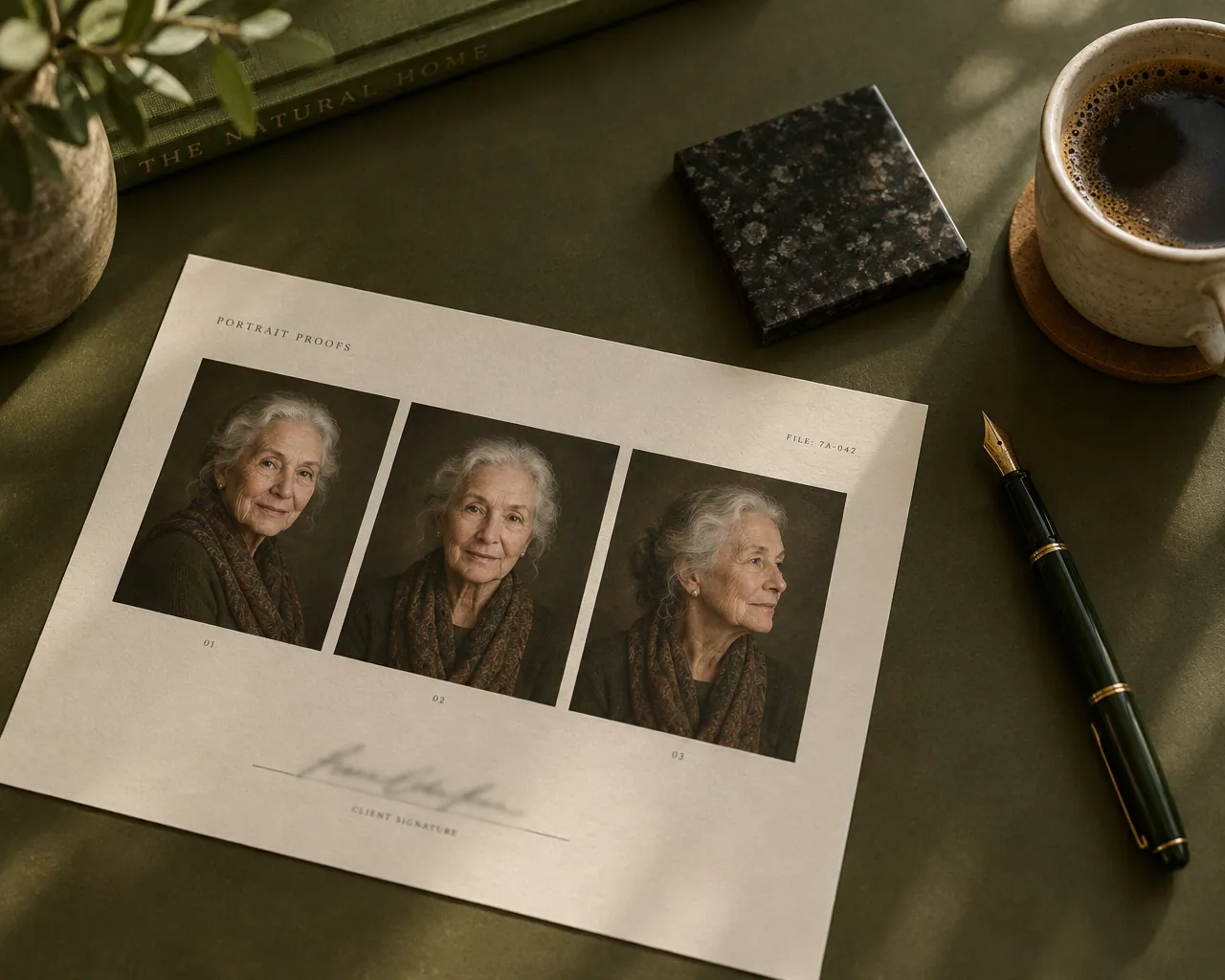
Portrait proof from Hillside Memorials
Walter & June Hartley
Family approval
A proof they can open on their phone
Stop printing, scanning and emailing proofs back and forth. Send one link. The family sees the photo they gave you, the edited portrait and how it will look on the stone, with your logo on top.
- They approve with their name, or tell you what to change.
- You see the answer the moment it arrives, next to the portrait.
- A printable proof sheet with a signature line is there for the folder.
Who it’s for
Wholesale etchers
Handle portraits for many dealers. Edit, proof and prepare files in minutes instead of billing hours of retouching.
Dealers with a laser
Skip the Photoshop session. Get the family’s approval online and send a file that is already sized for your machine.
Dealers without one
Collect the photo, make the edits, get the family’s sign-off, then send a clean, sized file to your etcher.
Pricing
Priced per portrait, not per hour
A portrait that takes an artist an hour is worth $100–$200 to you. Here it is $19 or less.
Single portrait
$19one time
For the occasional memorial.
- Unlimited AI edits for that portrait
- Laser file, test strip, colour JPEG
- Family proof link
- Credits never expire
Five portraits
$79one time
Five credits, about $16 each.
- Everything in Single
- Use them whenever you like
- Credits never expire
Dealer
Most dealers$99/ month
For dealers who etch every week.
- 8 portraits every month
- Your logo on every family proof
- Saved laser presets
- Unused portraits don’t roll over
Etcher
$249/ month
For wholesale etchers serving many dealers.
- 30 portraits every month
- Everything in Dealer
- Priority GPU queue
- Unused portraits don’t roll over
Every account starts with 3 free portraits. No card needed. One portrait = one memorial, with unlimited edits, proofs and downloads.
Questions dealers ask
More in the guides, or write to hello@stoneportrait.com.
Will the face still look like them?
That is the biggest risk with any AI edit, so the studio runs one instruction per step, keeps every version side by side with the original, and lets you run an edit again for a closer variation. The family approves the face on the proof before anything is etched.
Which laser software does it work with?
The main download is a positive grayscale PNG at the final size with the DPI stored inside. In LightBurn choose Jarvis or Stucki and tick Negative Image; in PhotoGrav choose “Black Granite”. Epilog and Trotec drivers work the same way. A ready-made dot file is there for pass-through imports.
Can I combine two people who were never photographed together?
Yes. Upload one photo of each person and choose “Put both people together”. It runs first, then any repairs, clothing or background you add.
What happens to the family’s photos?
They stay private to your account in secure cloud storage, are processed on our GPU only while an edit runs, and are never used to train models. Delete the portrait and its photos go with it.
Is the stone preview exact?
It is a simulation that includes how dots spread on polished granite. Every stone and machine is different, so etch the test strip on an offcut of the same stone first.
What does a portrait cost?
Every account starts with three free portraits. After that it is $19 a portrait, or $99 a month for eight on the Dealer plan. Edits, proofs and downloads inside a portrait are unlimited.
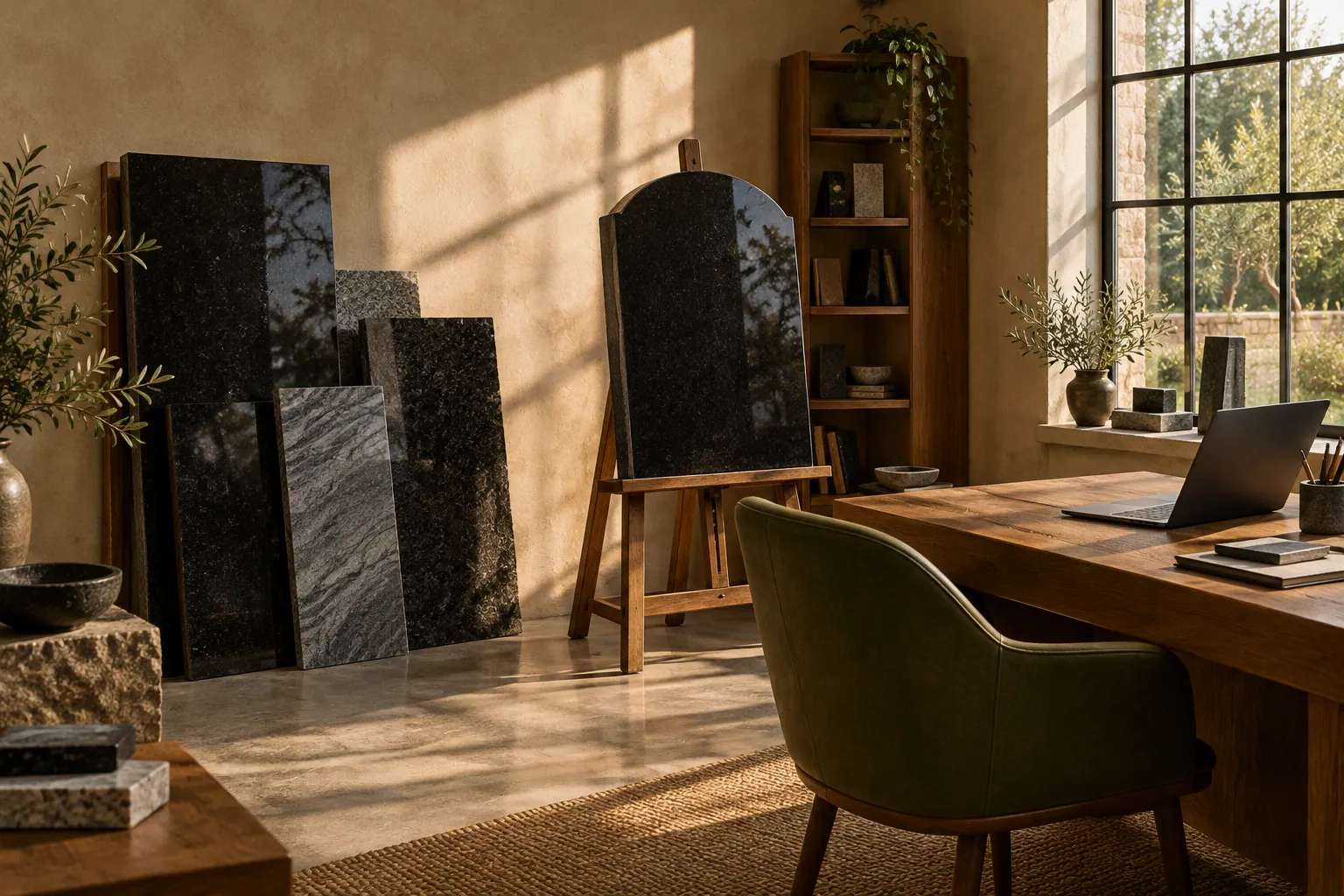
Your next portrait,
ready before the family
leaves the shop.